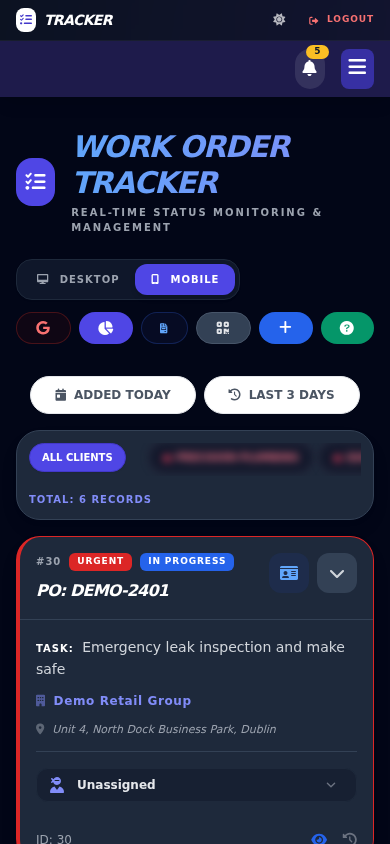
Office control
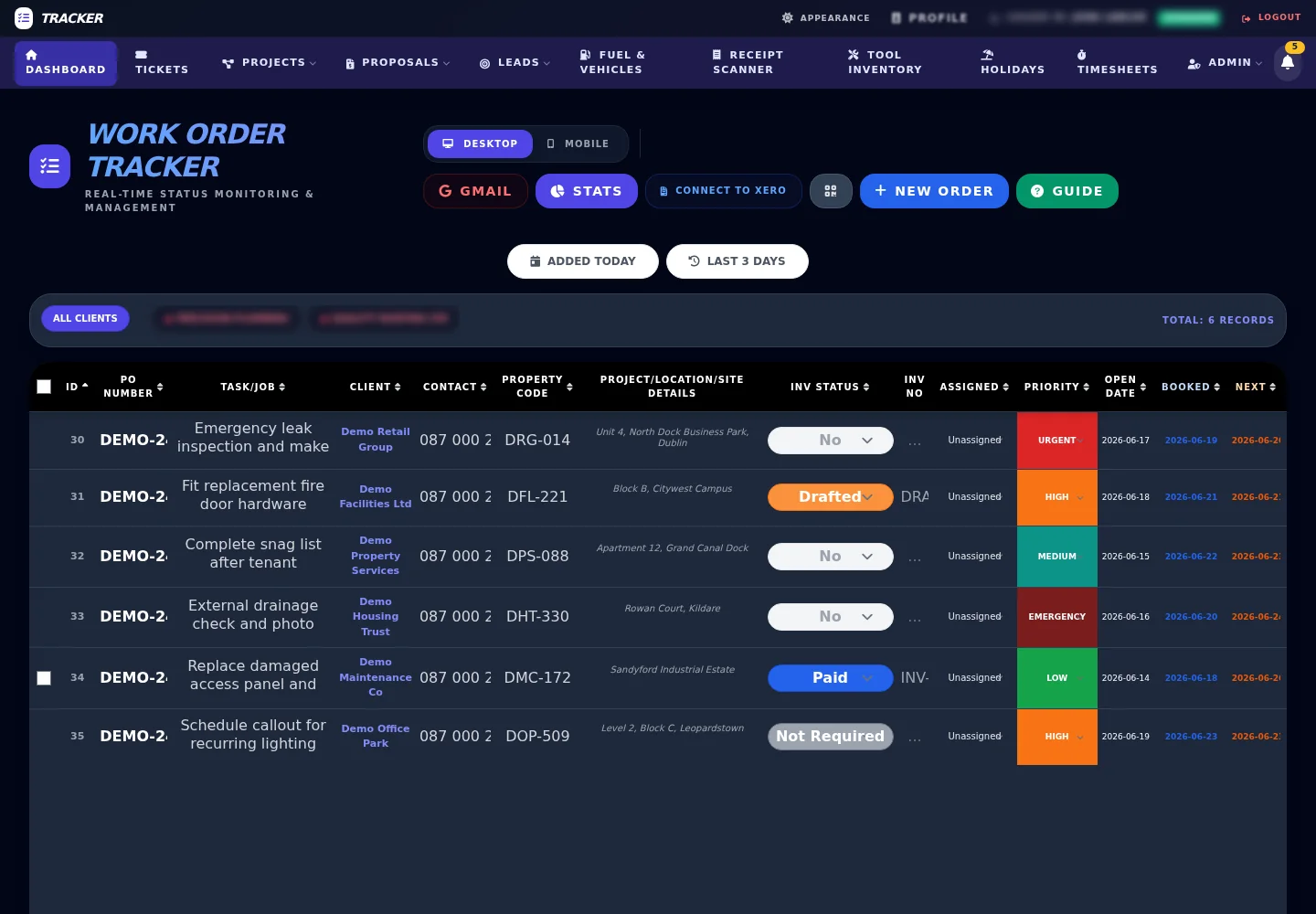
Desktop and mobile job dashboards with client tabs, subcontractor filters, status, priority, date and invoice controls.

A signed-up operations platform for trade and service teams — work orders, scheduling, HRM, fleet, tools and Xero together, not scattered spreadsheets.
Rebranded from work order tracker
The previous internal name described one part of the system. TradeOps HQ is the wider package: a private business platform that can start with work orders and grow into lead capture, public booking, client portals, HRM, accounts automation, vehicle safety, tool stock, tickets and tenant admin. For a deeper look at how the workflow components connect, read our work order tracker architecture guide.
Desktop and mobile job dashboards with client tabs, subcontractor filters, status, priority, date and invoice controls.
Mobile job views, WhatsApp dispatch, GPS/Eircode links, status changes, notes, attachments and completion updates.
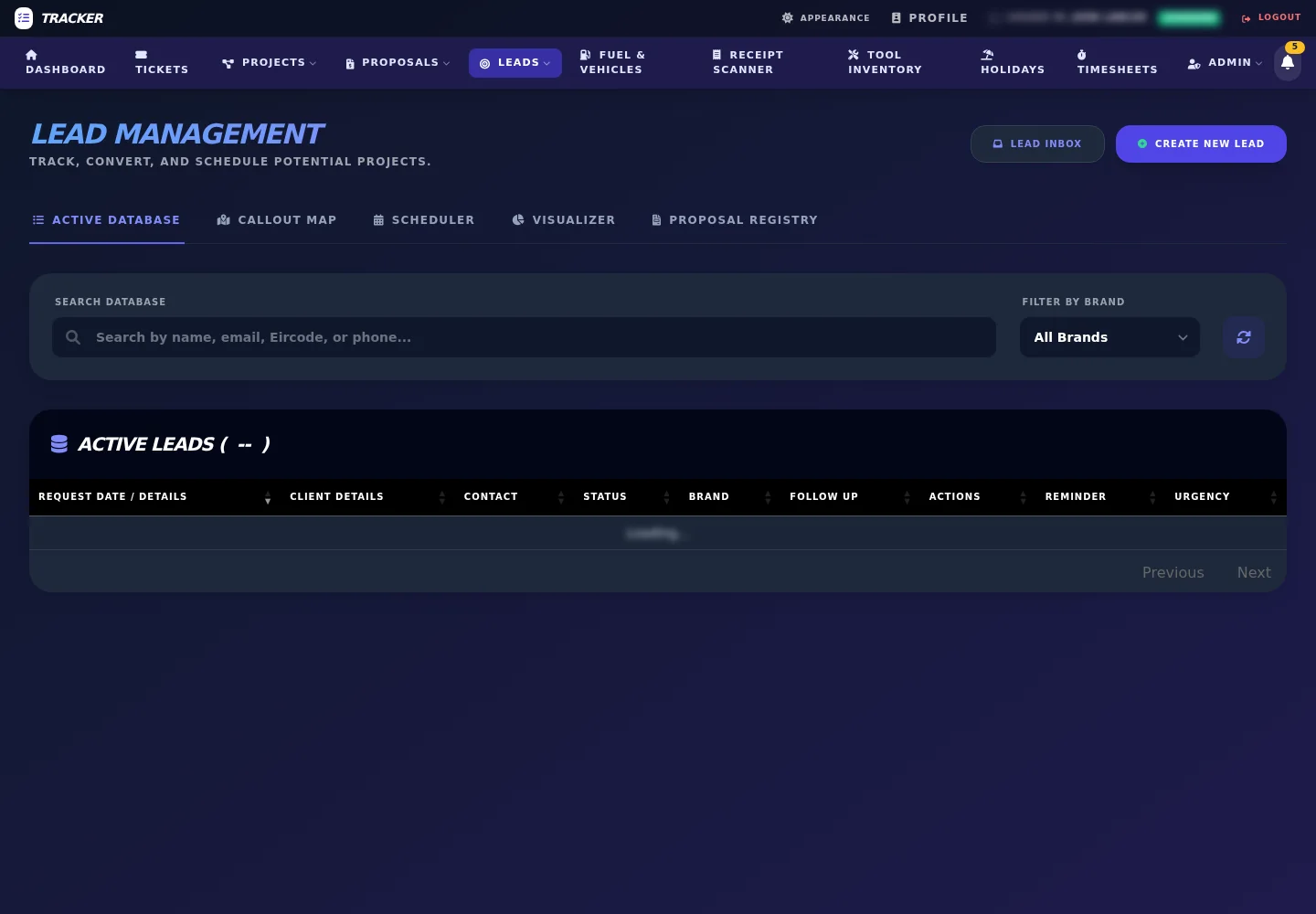
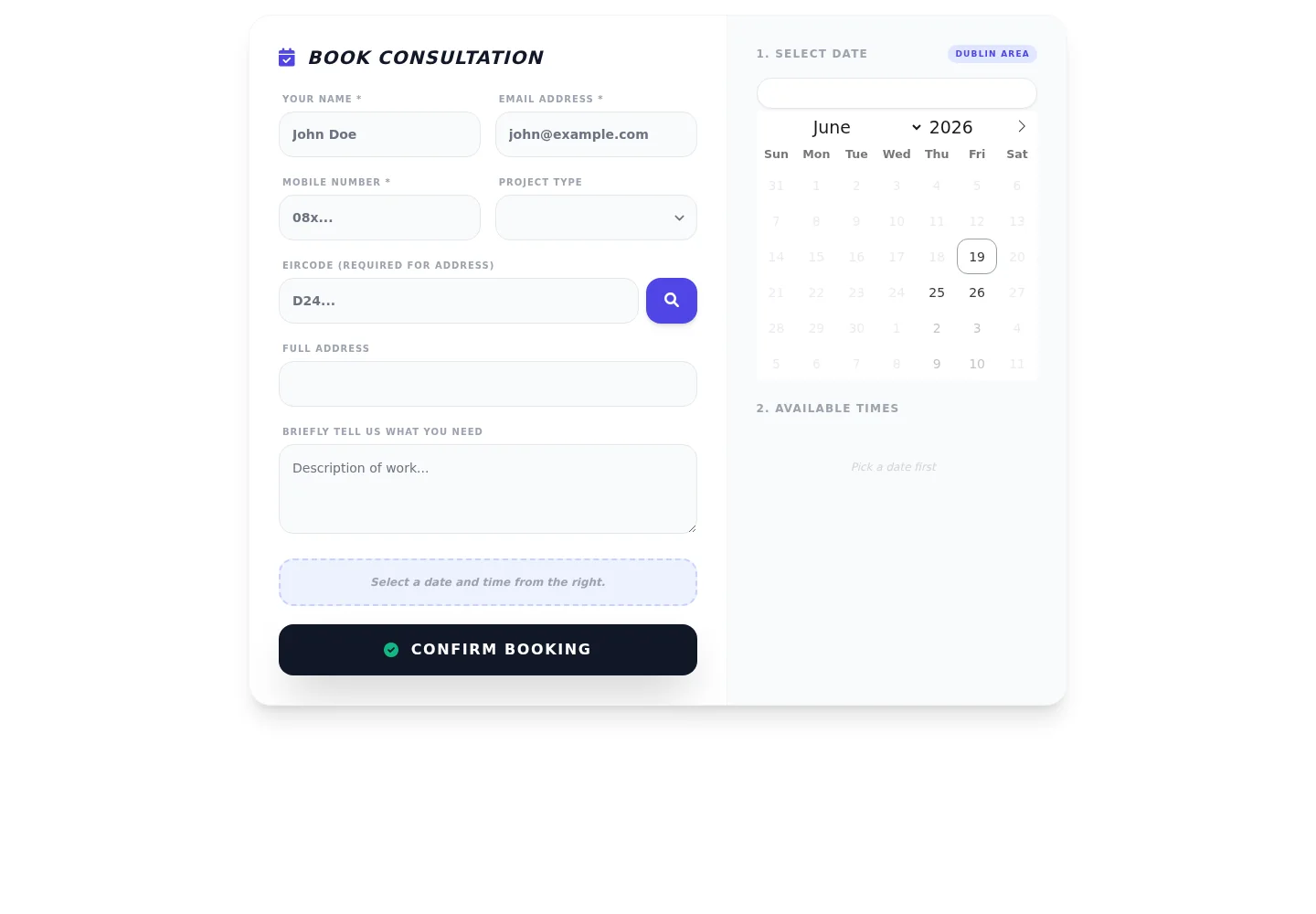
Email leads inbox, callout maps, printable visit lists, schedule views, public booking forms and website embed code.
Single and grouped draft invoices, Xero IDs, sent/paid webhook states, contact sync and evidence attachments.
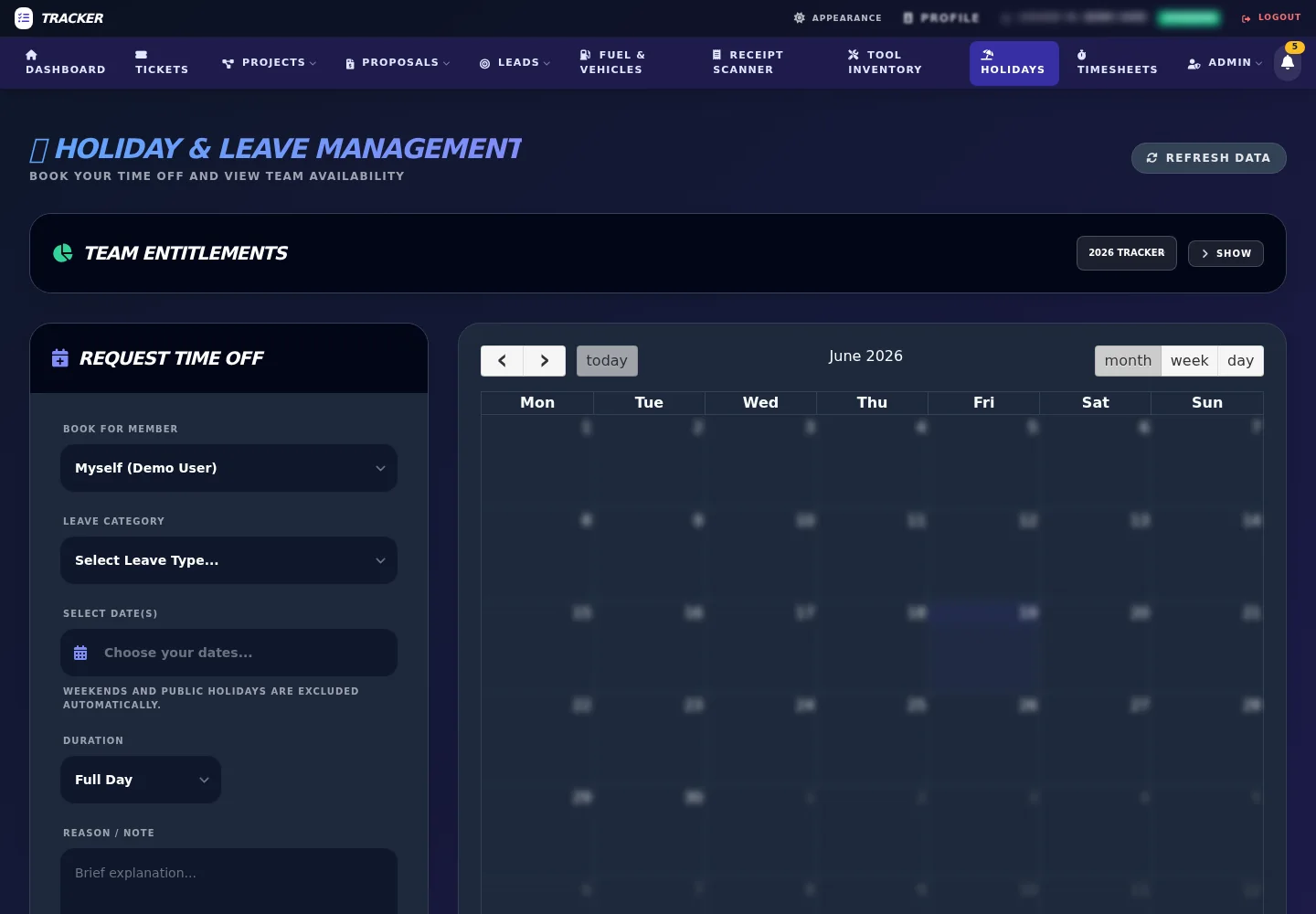
Holiday requests, leave quotas, approvals, Irish working-day rules, monthly timesheets and clock-in records.
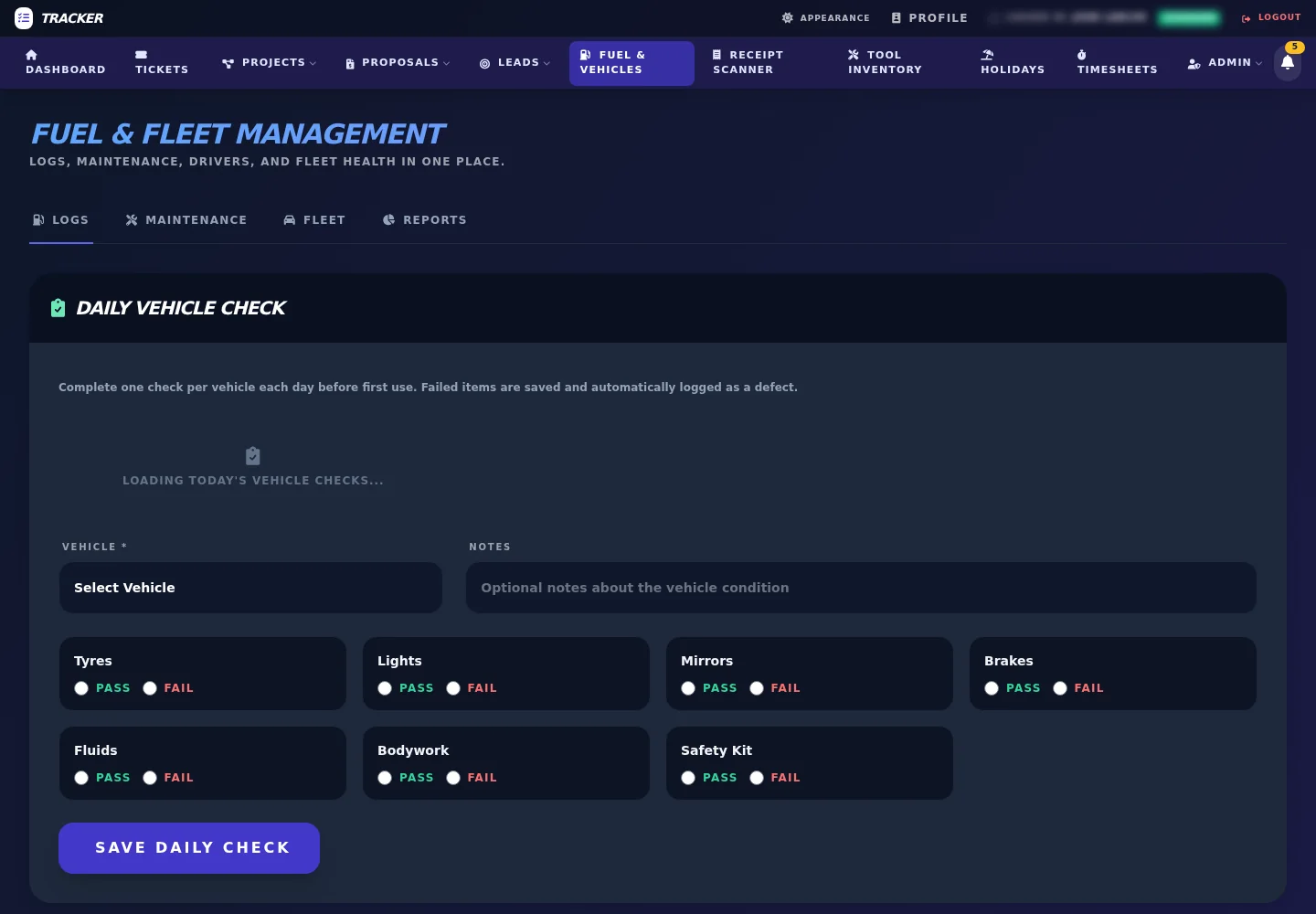
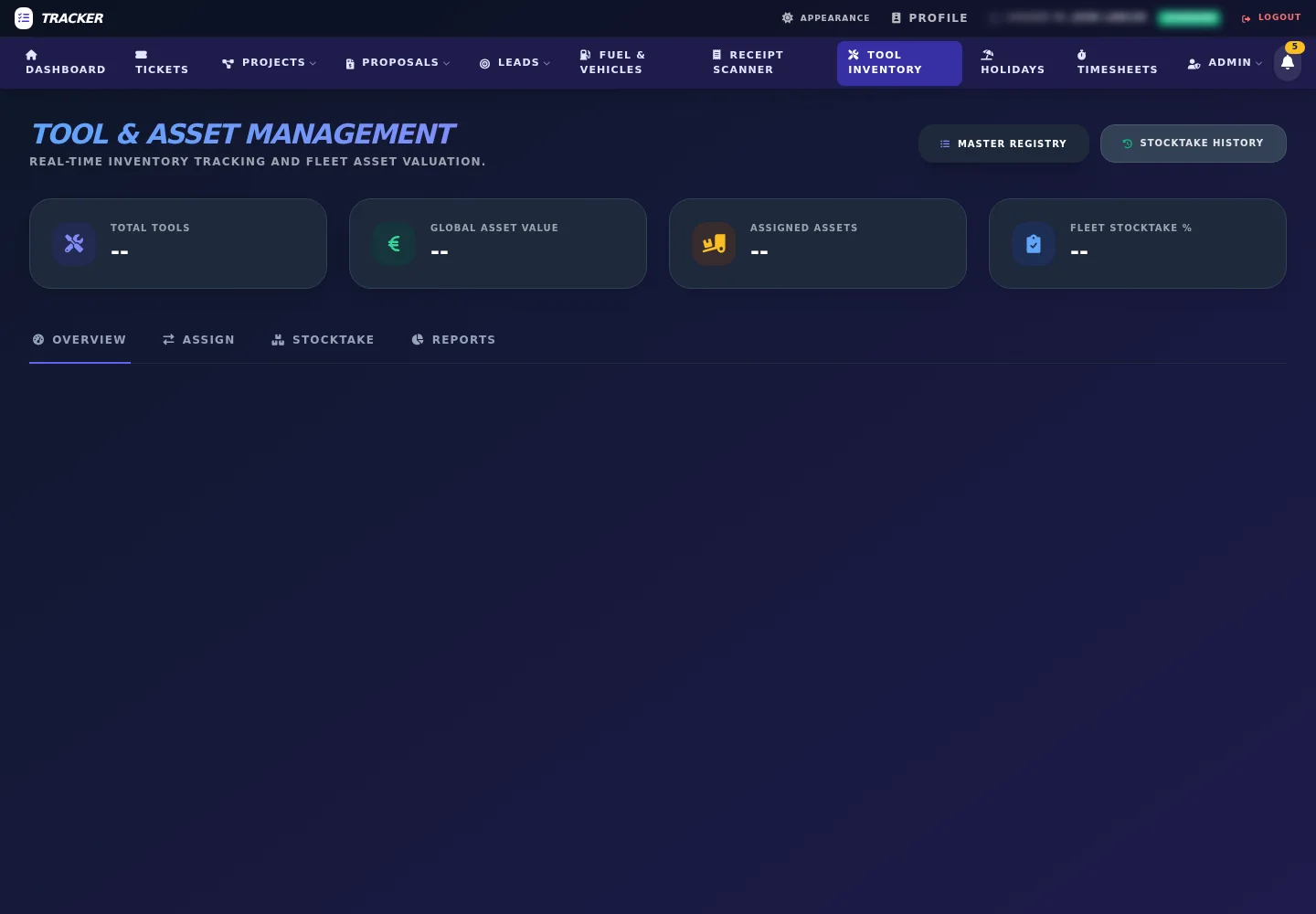
Fuel logs, vehicle checks, service reminders, defects, tool registry, van assignments, values and stocktakes.
Operational flow
TradeOps HQ is built around the full job lifecycle, so the office does not have to stitch together inboxes, spreadsheets, WhatsApp messages, staff forms and accounting records by hand.
Jobs can arrive through manual entry, Gmail intake, public work-order forms, website booking embeds or lead records. AI extraction can pull purchase order numbers, Eircodes, addresses, contact details and job descriptions from incoming messages and PDFs.
The office can filter by client, status, priority, subcontractor and date, then assign work to staff or vans. Callout maps, printable schedules and visual schedule screens help plan routes and site visits.
Field users get mobile-friendly job information, WhatsApp job dispatch, Eircode and GPS links, notes, attachments, weather dependency flags, public field links and quick status updates from site.
Completed jobs can be pushed into Xero as single or grouped draft invoices. Xero webhook updates, job history, attachments, timesheets, fuel logs, inventory records and admin reports keep the operational record together.
Function deep dive
These modules are part of the working platform and can be enabled, refined or branded around the business that signs up.
Capability matrix
This is the level of scope a trade or service business needs to understand before signup: an operational backend, not just a contact form or simple CRM.
| Job control | Task CRUD, history, desktop/mobile views, filters, client tabs, subcontractor filters, weather dependency, summary modal, field links and WhatsApp dispatch. |
|---|---|
| Customer intake | Public booking, public work-order form, lead capture, email lead inbox, AI draft replies, duplicate matching, callout map and scheduled visit lists. |
| Accounts | Xero OAuth, contact sync, single invoice generation, bulk invoice generation, returned invoice links, webhook updates and evidence attachment handling. |
| People operations | Users, leave types, quotas, public-holiday logic, approvals, rejections, team calendars, clock-in/out, monthly timesheets and manual attendance records. |
| Assets and compliance | Vehicles, drivers, fuel logs, receipt uploads, daily checks, defects, off-road flags, service reminders, tools, van inventory, audits and stocktake history. |
| Platform management | Feature flags, tenant mode, tenant provisioning, client portals, maintenance tools, database backup, API documentation, Google services and Twilio setup. |
Package options
For teams that need job visibility and field updates first.
For businesses that want the full operating layer.
For teams that want integrations and tenant rollout.
Platform previews
These screens show the working dashboard and operational modules used to demonstrate the package to service businesses.
Signup route
Use this request when you want to package your work orders, staff admin, booking, accounts and field updates into a proper operating system for your trade or service business.
Tell me how your jobs currently come in, who needs access and which modules you want to see first.